
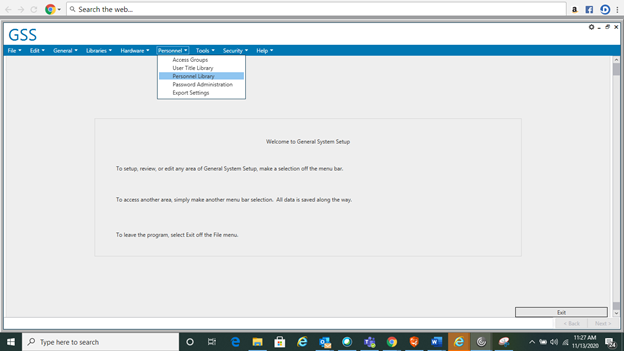
- Login to GSS (Deposit Pro) and go to Personnel> Personnel Library
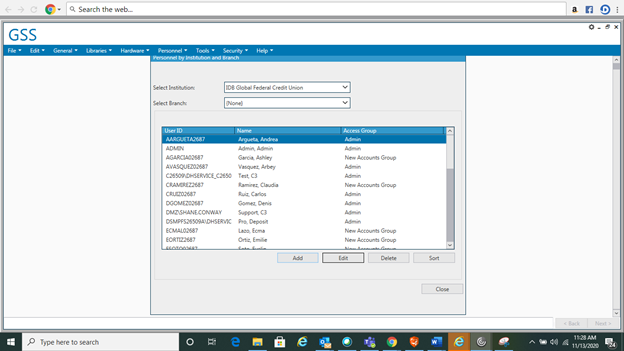
- Select Add
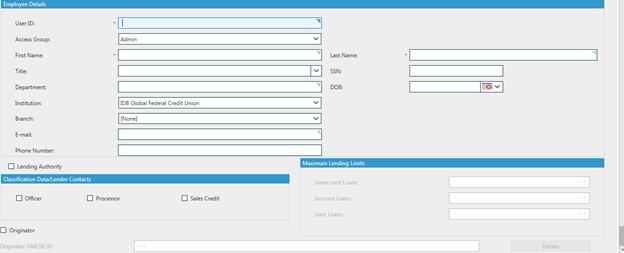
- Fill in the new user information. The User ID is conformed by the following= (FirstInitial)(LastName)02687 . Provide the First Name and Last Name, Department, Email Address and Phone number of the branch. Select IDB Global Federal Credit Union as the Institution.
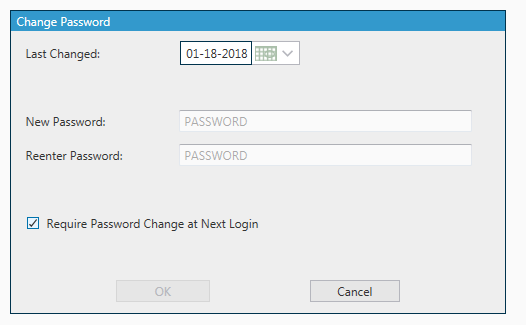
- You will then click on, Change Password
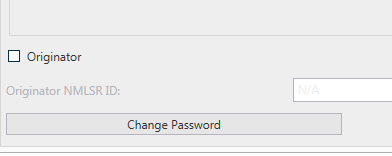
- You will provide a temporary password and will select Require Password Change at Next Login.
- Once you have verified all the information is correct, click OK and the new user will be created!

Comments
0 comments
Please sign in to leave a comment.